
Your Brand Images: Now What?
Here’s Your Guide
A comprehensive
guide curated to help you maximize the photos + b-roll from your Vibe Session
By now, you’ve had time to settle into your new images (and maybe your new b-roll!), and this page is your go-to resource for actually using it all in a way that feels aligned, strategic, and fun.
Your brand session wasn’t meant to sit quietly in a folder — it’s here to help you show up, get seen, and confidently connect with your people.
Let’s make that happen.
There’s alot in here so don’t feel the need to get throuh it all of the way. This is here as a guide for when you get stuck in your content and need inspo
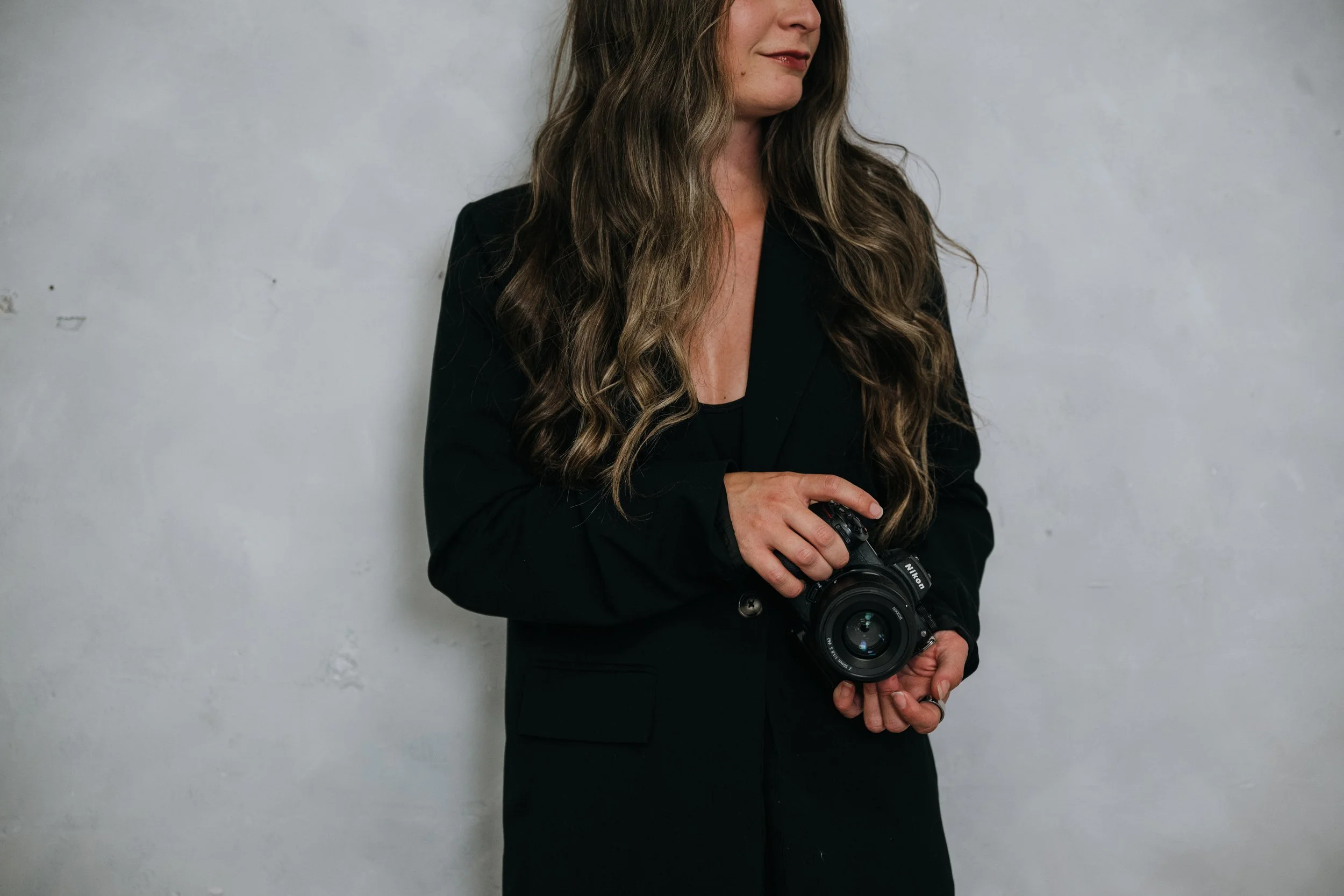

Easy places to use your photos TODAY
The Update
• Update profile photos everywhere (Google, IG, FB, YouTube, LinkedIn, Slack)
• Swap out website banners + homepage hero images
• Refresh your About Me section
• Add headshots to your email signature
• Replace outdated images on your services page
Cultivate it
• Update Canva templates with your new images
• Add new photos to your welcome email sequence
• Upload new images to your CRM & scheduling tools
These quick swaps build trust instantly — your audience loves seeing the current you.
Social Media Strategy
How to stay ahead of trends + use your images in ways that feel effortless
Your new images and b-roll are meant to make posting easier, not harder.
Here’s how to create content that feels fresh without chasing every trend.
Spotting trends early (the non-chaotic way)
• Look for audio under 2,500 uses — these are rising, not saturated
• Watch creators in your niche — repeated formats = emerging micro-trends
• Save trending audios daily or weekly into a “To Film” folder
• Scroll the “Recommended Reels” tab; Instagram gives you curated trend hints
• Notice patterns: similar hooks + similar pacing = it’s on the rise.
Using YOUR photos in trends
• Photo dumps with your working + lifestyle shots
• Clean aesthetic montage reels
• Carousels (“3 things you should know before working with me…”)
• “Soft brand launch” reels with personality photos
• Website promo reels
• “I'm the face behind the brand” intros
• Behind-the-scenes storytelling
Your brand photos make trends look polished — not chaotic..
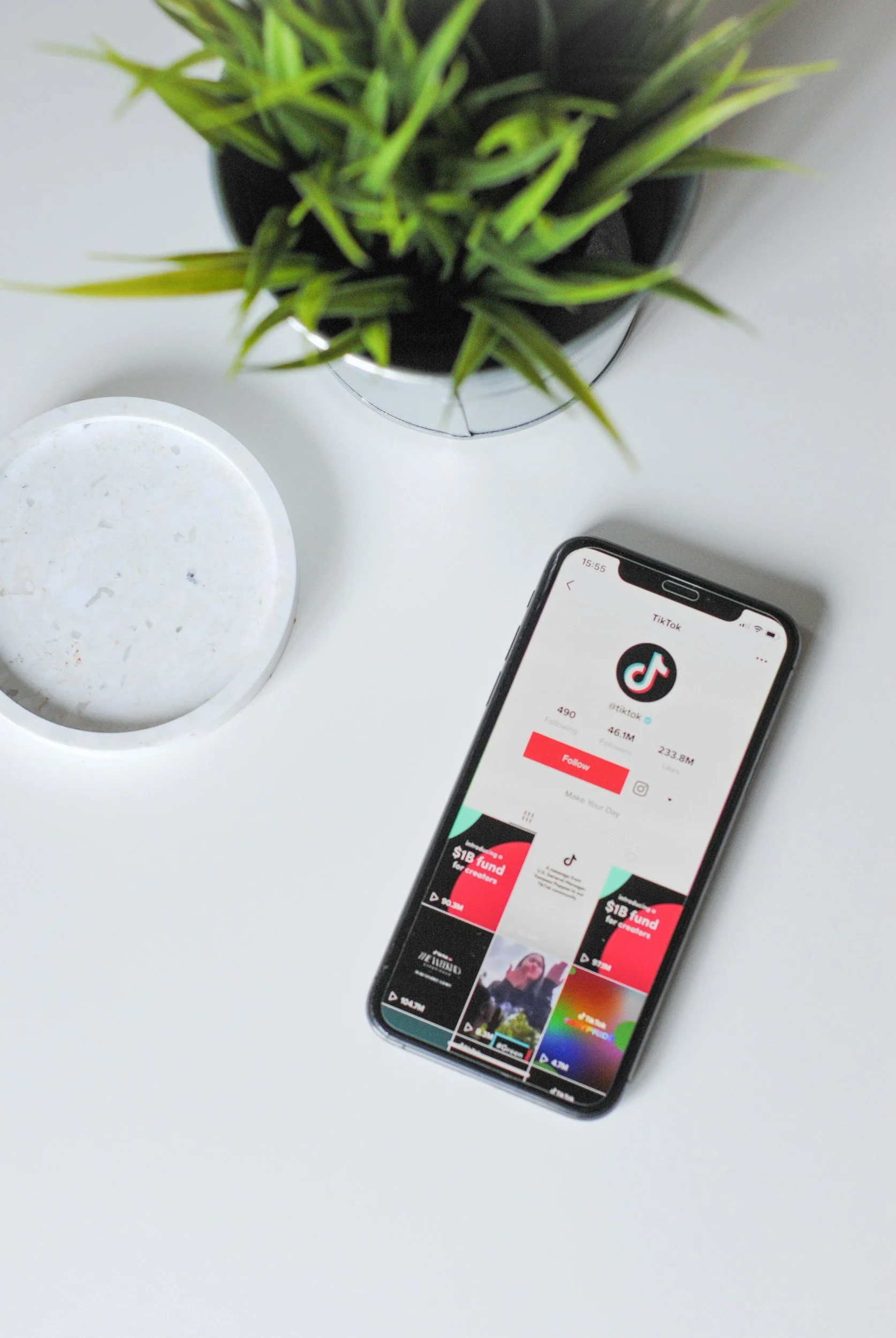
Using YOUR b-roll in trends
• Use b-roll as the opener — it grabs attention immediately
• Overlay text for educational reels
• Use slow pans as “vibe setting” intros
• Layer b-roll under voiceovers
• Add to your website hero section
• Use as filler clips for storytelling sequences
• Pair with trending audios for simple reels that take 60 seconds.
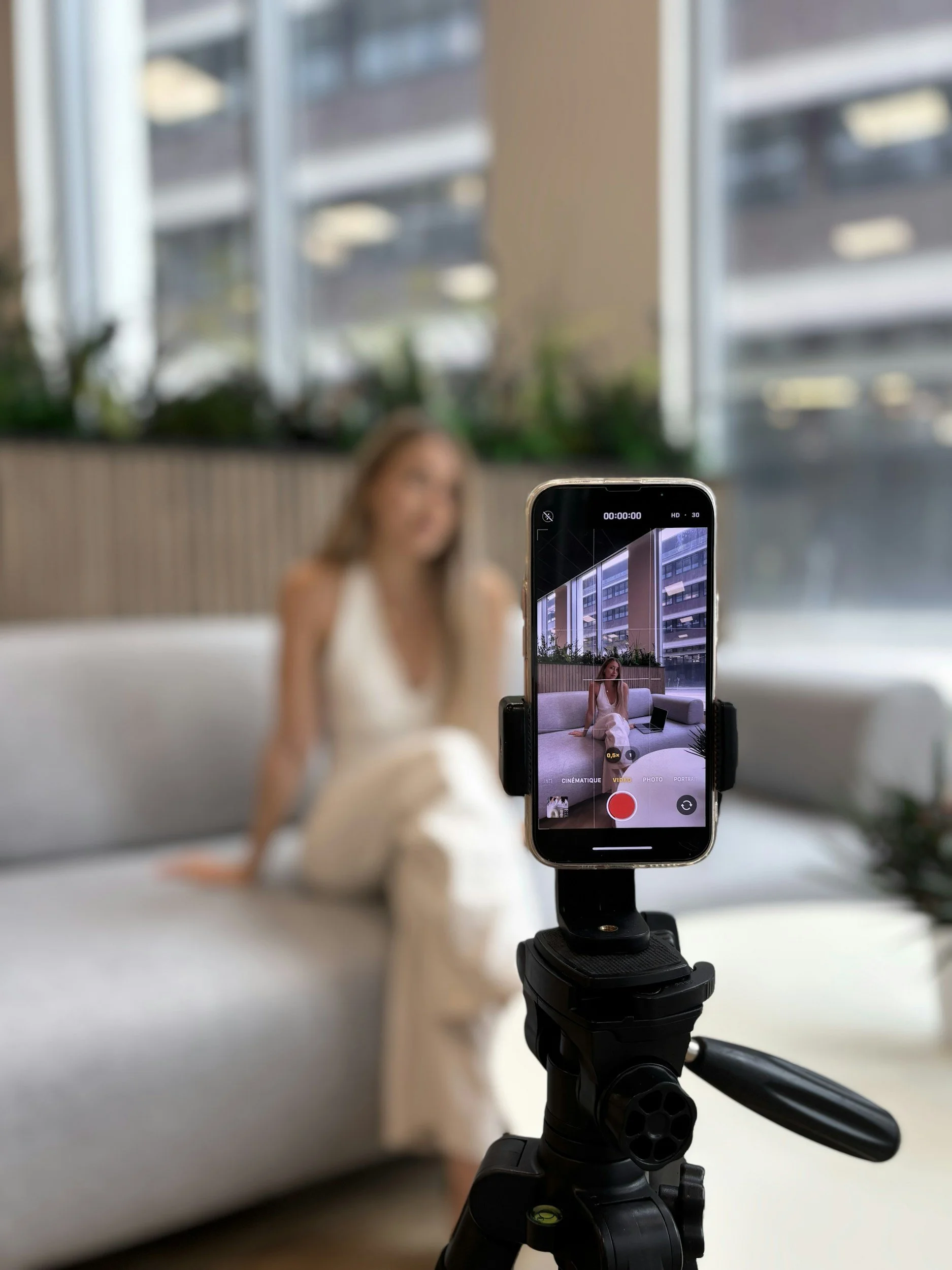
B-Roll Ideas Library
A mini vault of ideas for your video clips
Use your b-roll for:
• Talking videos
• Value reels
• Website background loops
• Service intros
• About Me videos
• Client testimonials
• Ads
• Instagram stories
Perfect clips to rotate:
• Walking shots
• Hands typing
• Coffee moments
• Product close-ups
• Workspace details
• Tools of your trade
• Smiling/looking off-camera
• Adjusting clothing
• Notebook writing
3 Trend Templates You Can Use Anytime
1. “My brand in 7 seconds”
→ Photo montage + trending audio
2. “If you're new here”
→ B-roll opener + talking clip or text overlay
3. “What it feels like to work with me”
→ B-roll + working photos + personality shots.
Reel Prompts Using Your New Content
Plug-and-play ideas you can film once and repurpose forever.
• “Why I started this business…”
• “What I really do (the truth)”
• “Here’s how I help my clients…”
• “My process in 3 steps…”
• “One thing I wish more people knew…”
• “The story behind my brand…”
• “A reminder for anyone who needs it…”
• “What makes my service different…”
Formats your
b-roll fits beautifully into:
• “A day in my business”
• “Things I wish clients knew”
• “Behind the scenes”
• “3 tips you should know”
• “Slow morning vibes””

How to Use Your Images Across Your Business
(Because they should be everywhere.)
Website
• Homepage hero
• About page
• Service pages
• Contact page
• Pop-ups
• Sales funnels
• Blog headers
Marketing Materials
• Canva graphics
• Lead magnets
• PDF guides
• Pricing guides
• Media kits
Email Marketing
• Welcome sequence
• Launch sequences
• Weekly newsletters
• “Meet the team” intros
• Introductory graphics
Client Journey
• Booking confirmations
• Reminders
• Thank-you pages
• Onboarding guides.
keep it fresh
Consistently updating your brand photos can increase audience trust by up to 67% — fresh visuals help your clients feel like they actually know the person behind the business.
A gentle reminder, not a push 💛
Most clients book:
• Quarterly
• Every 3–4 months if their brand evolves often
• Every 2–3 months for content-heavy businesses
• Annually for ultra vibe session brand refreshes
If you need help planning your next session or want ideas based on your industry, you can reach out anytime.
Here to help!
If you have any questions about your content journey or if I can be of any resource - let me know!
I’m always here in your corner